 Melnir
RU
A client for proxy servers
Your link.
One button.
Melnir connects to servers you add yourself — by subscription link or manually. VLESS, Reality, XHTTP, Trojan, Shadowsocks.
- Free
- No account
- No ads

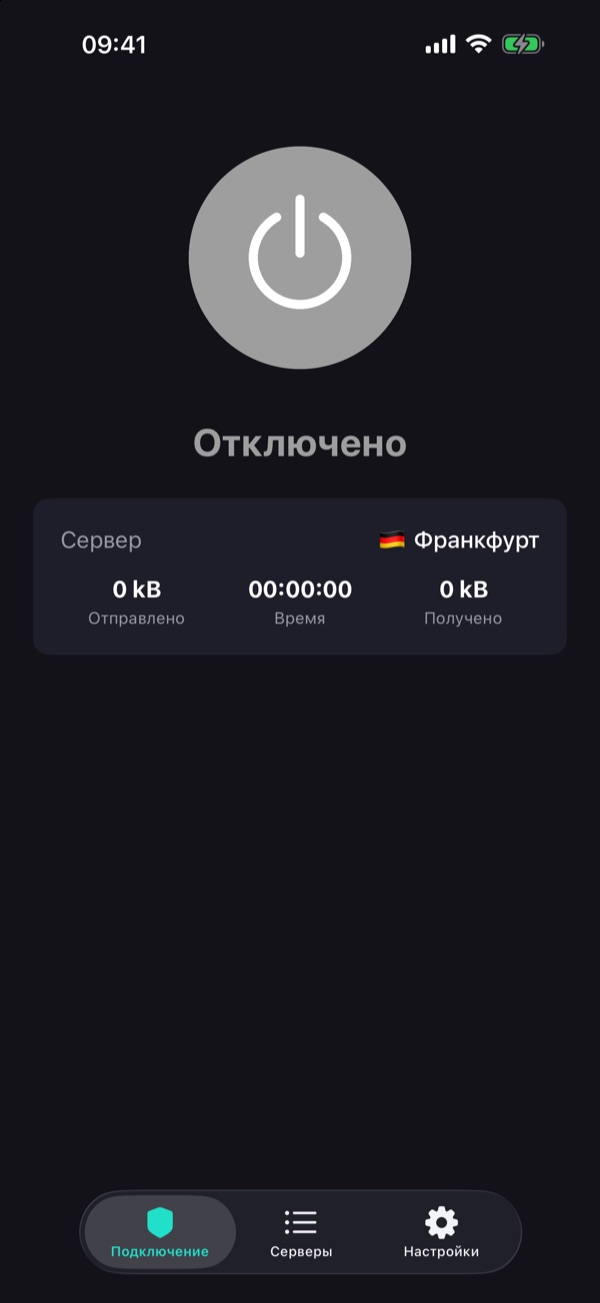
Connect
One button and the server you picked.
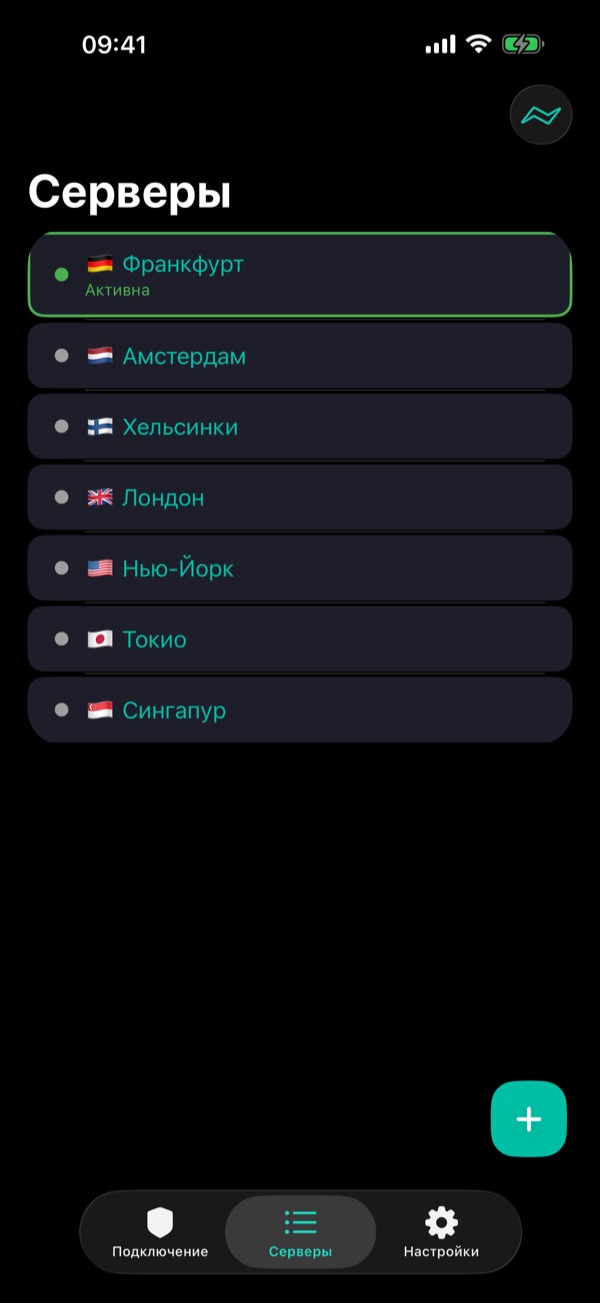
Servers
Every server from your subscription; your choice is remembered.
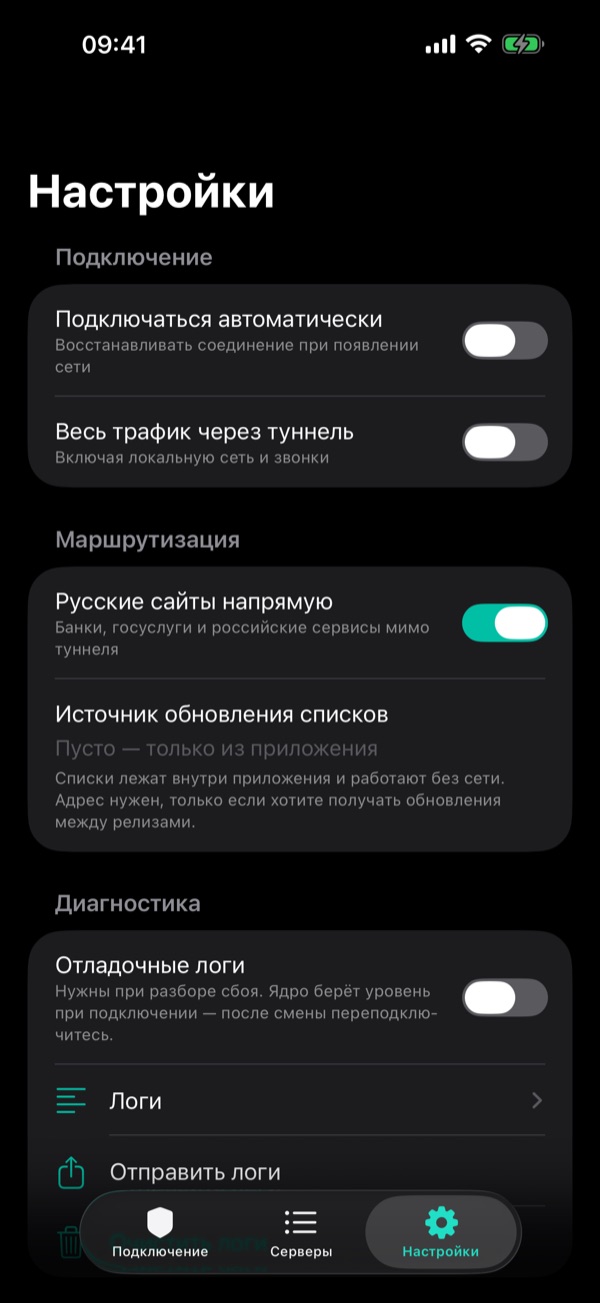
Settings
Auto-connect and routing.
The app interface is currently in Russian; English is on the way.
How it works
- 1
Add a link
Paste a subscription link from your provider, or enter a server manually: address, port, key.
- 2
Pick a server
Melnir lists every server in the subscription with its response time. Your choice is remembered.
- 3
Tap the button
The system asks once to allow the configuration. After that it is one button.
Features
Multiple servers and subscriptions
Switch between them with one tap.
List updates
Servers are refreshed from the subscription URL.
Latency check
See which servers your network can actually reach.
Fallback entries
If one address is unreachable, the client picks a working one.
Provider routing
If the subscription says what goes direct, the client follows it.
Local network bypass
Your printer, router and cameras stay reachable.
We collect nothing — and have nowhere to collect it
The app has no servers of its own, no accounts, no analytics and no ads. Traffic flows directly between your device and your provider's server; the developer is not part of that path.
Download
Android
Version 3.5.0 · APK · 79 MB
Android 7 or later. Allow your browser to install apps before installing.
Download for AndroidSHA-256 checksum
2093df51b031fa63a0ec2fa1805bd50bd09a503dff6e19977eb0ccd75dab06e5iOS
The iPhone and iPad beta is available via TestFlight, Apple's app for test builds. Install TestFlight from the App Store, then open the link on your iPhone.
Beta for iPhone